
Latest posts
-
Smart Motion Detection Cameras: Why Your Alerts Fire at 2 AM
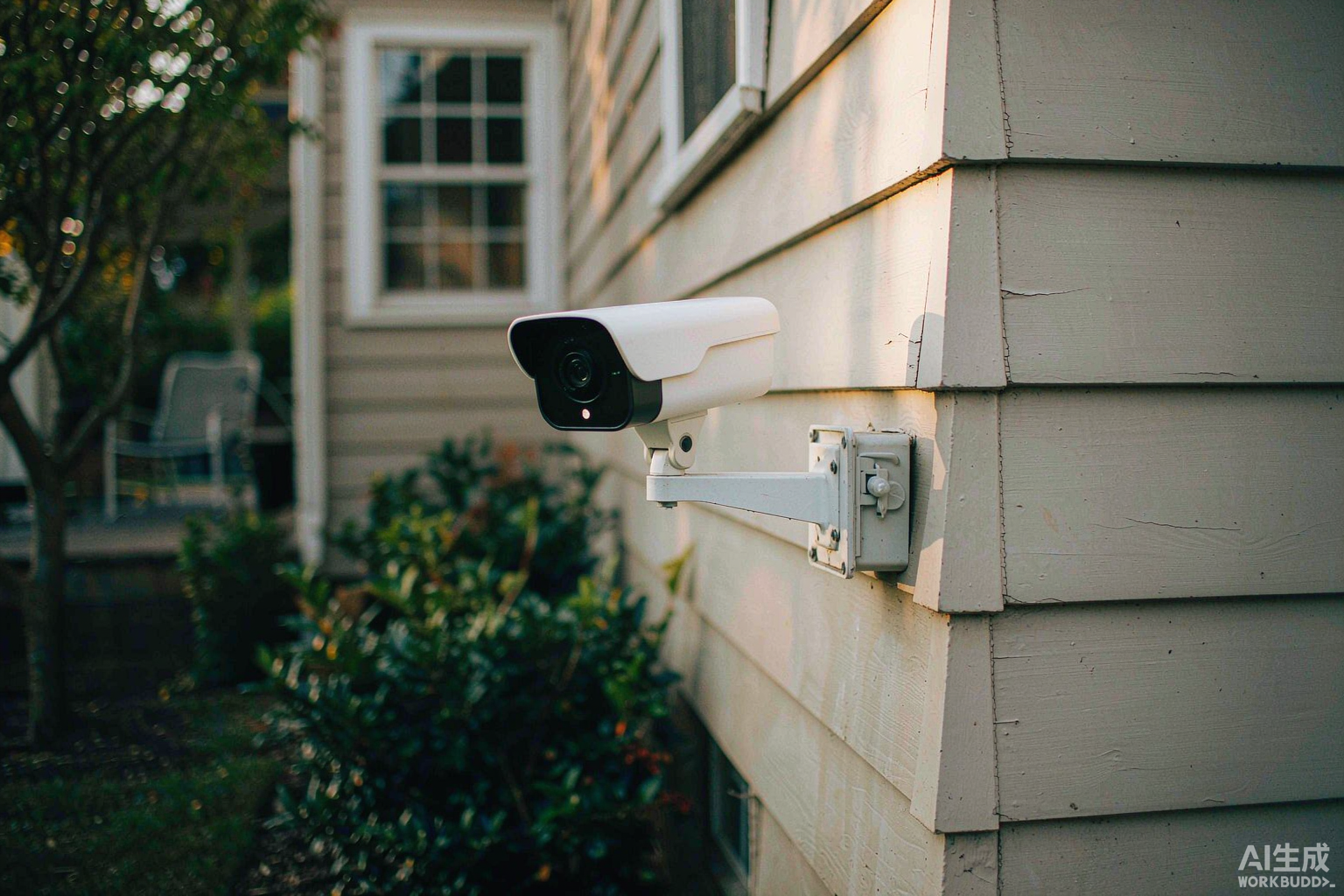
By Leo, woCyber — writing about local-first storage, private cloud and DIY home security. Your camera fires at 2 AM because something moved, not because something mattered. A smart motion detection camera cuts that noise in two steps: a passive infrared sensor confirms real heat movement first, then the chip decides whether that movement is…
-
How Many Days of Camera Footage Can a NAS Actually Hold?
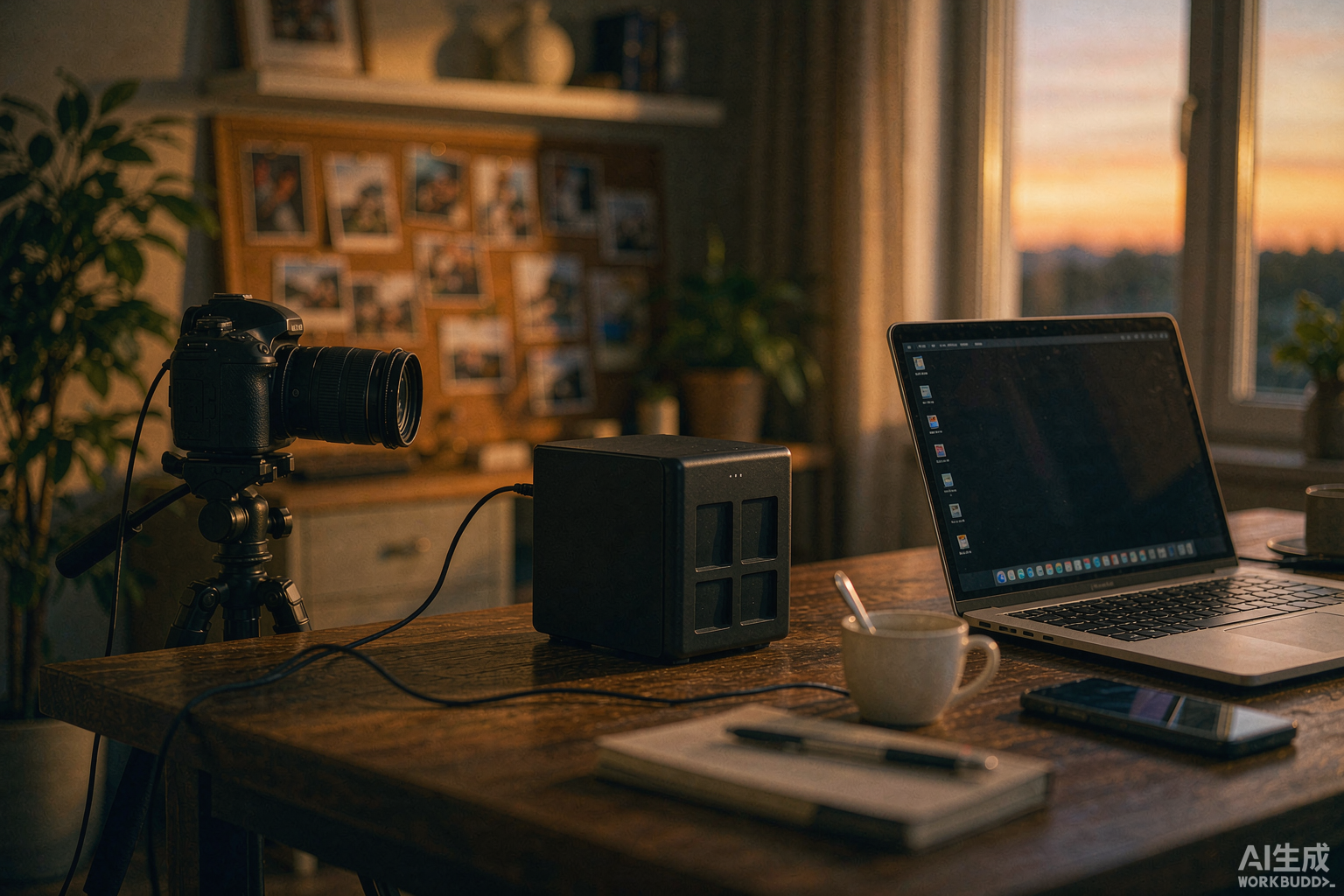
By Leo, woCyber — writing about local-first storage, private cloud and DIY home security. Camera footage retention days are not a setting. They are an arithmetic result of three numbers you control — camera count, recording resolution, and how many hours a day each camera actually writes. Change any one and the retention window moves.…
-
Camera Network Segmentation: Lessons From Two Camera Flaws
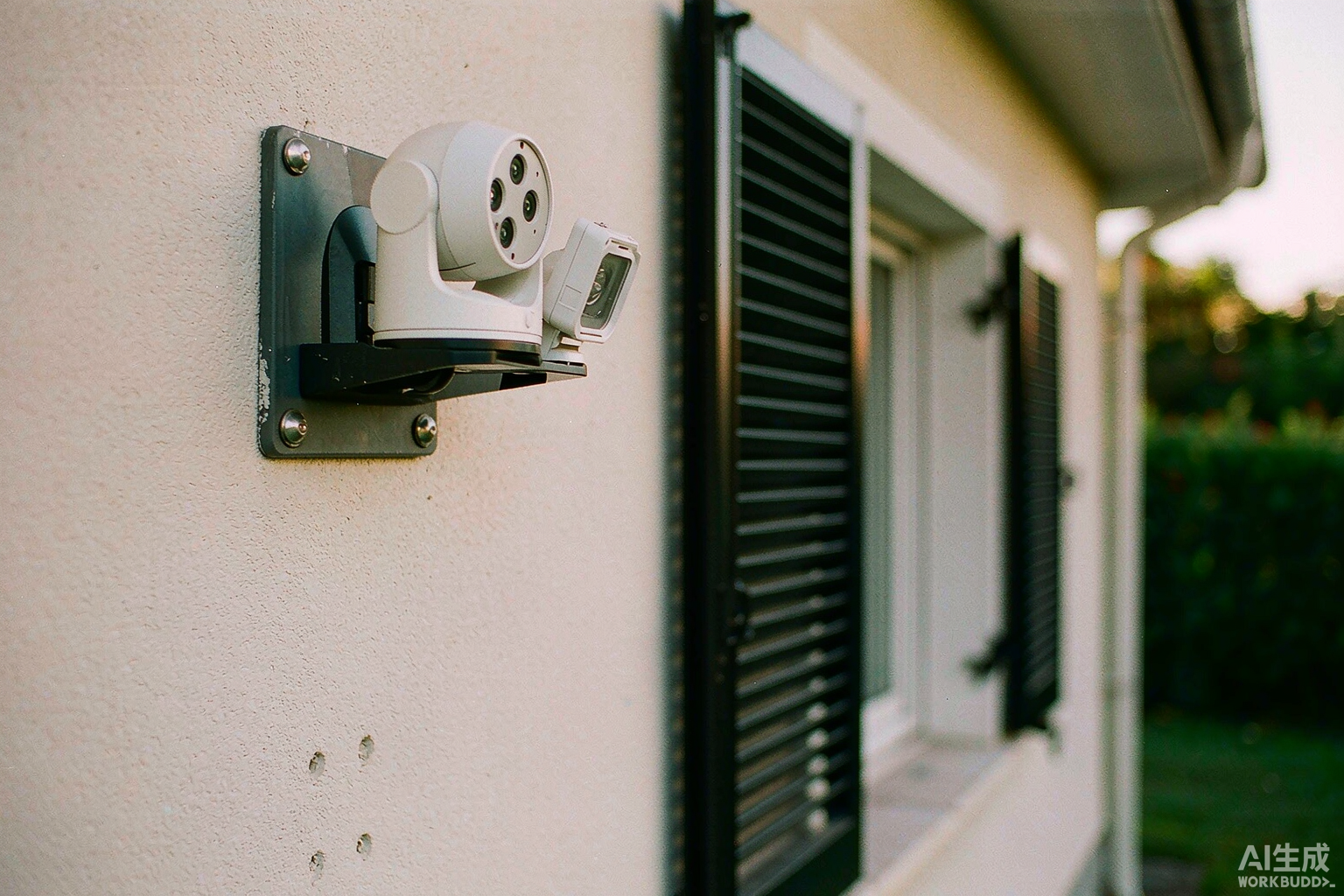
By Leo, woCyber — writing about local-first storage, private cloud and DIY home security. Do security cameras need their own network? Key Takeaways The Tapo authentication-bypass flaw recorded as CVE-2026-15315 carries a CVSS 8.8 score and requires the attacker to already sit on your local network (NVD). Camera network segmentation removes exactly that precondition. The…
-
How to Connect Security Cameras to a NAS: 3 Parameters That Decide Whether It Actually Works
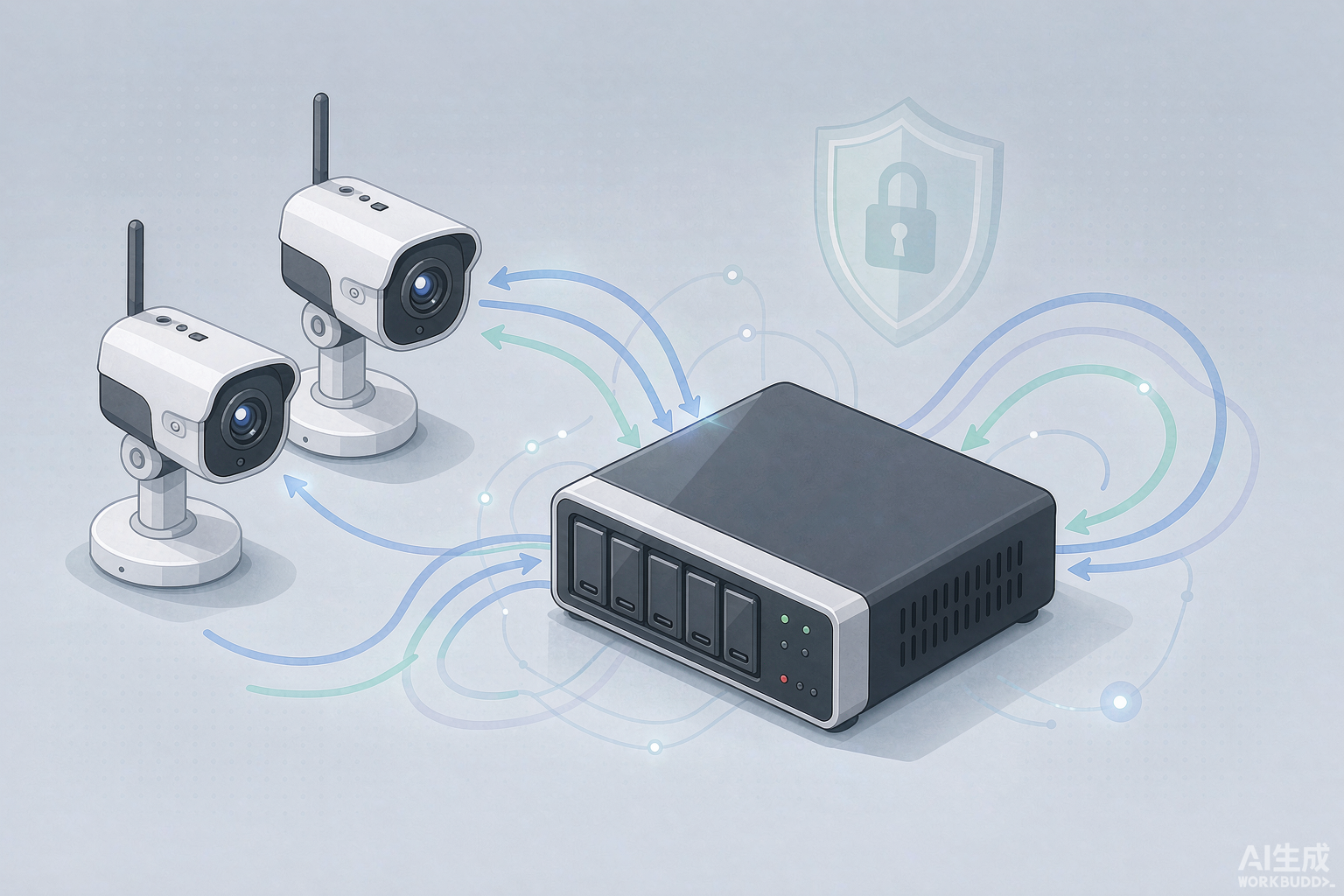
By Leo, woCyber — writing about local-first storage, private cloud and DIY home security. How to Connect Security Cameras to a NAS: 3 Parameters That Decide Whether It Actually Works Short answer: to connect a security camera to a NAS you check ONVIF compatibility, size the storage from the bitrate, and secure remote access with…
-
Security Camera Firmware Update: Footage Storage You Control
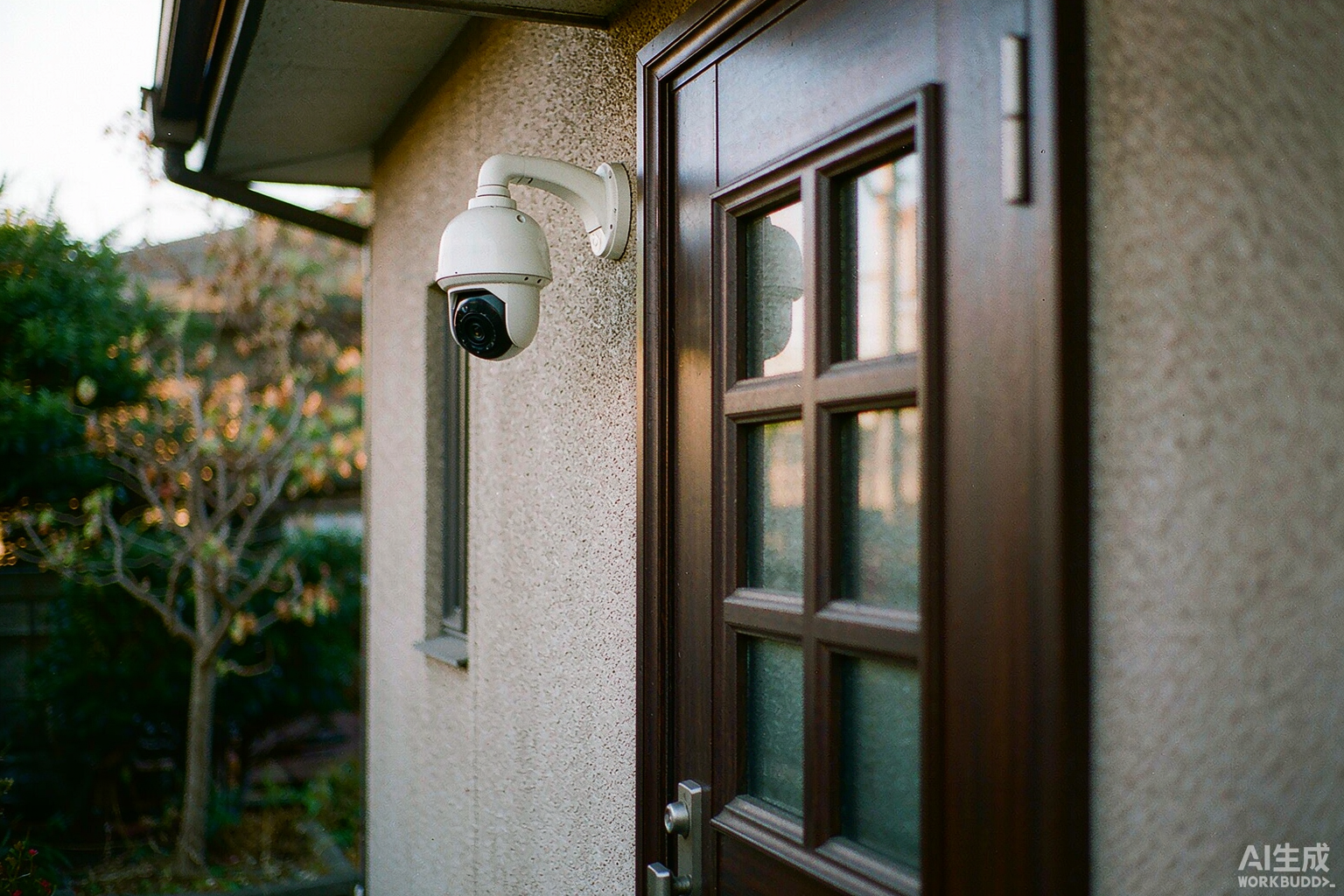
By Leo, woCyber — writing about local-first storage, private cloud and DIY home security. Test a camera by its release notes, not its feature list. If the maker publishes a dated firmware build when a researcher reports a flaw, the camera stays maintainable. If the last build note is a year old, treat the camera…
-
Bulb Security Camera: Auto Tracking From a Light Socket
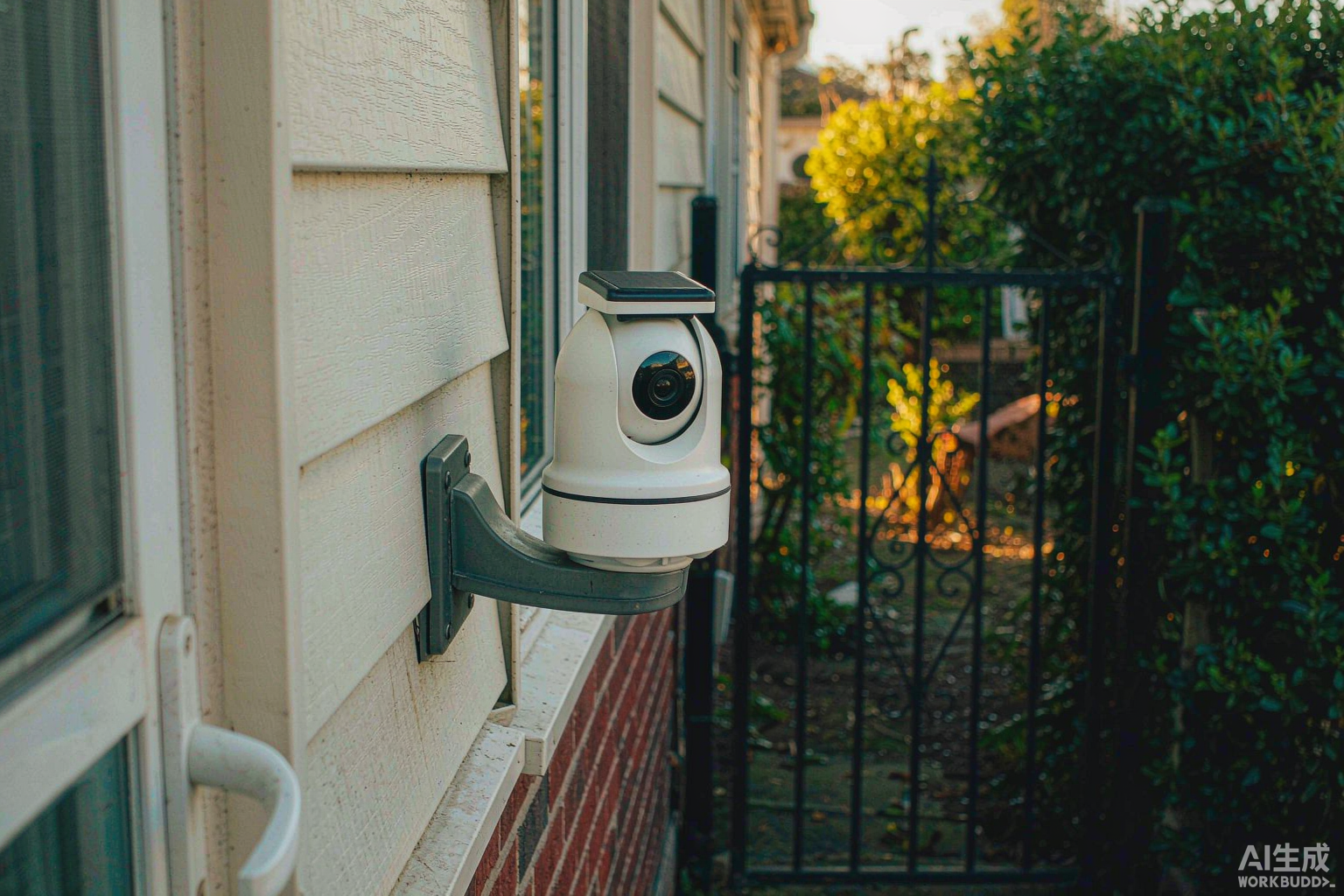
By Leo, woCyber — writing about local-first storage, private cloud and DIY home security. A bulb security camera is a camera built into a lamp housing, so it takes its power from a socket that already exists. That single design choice decides everything else about it. You skip the drill, the cable and the electrician.…
-
Continuous Recording Without a Subscription: How 24/7 Local Storage Actually Works
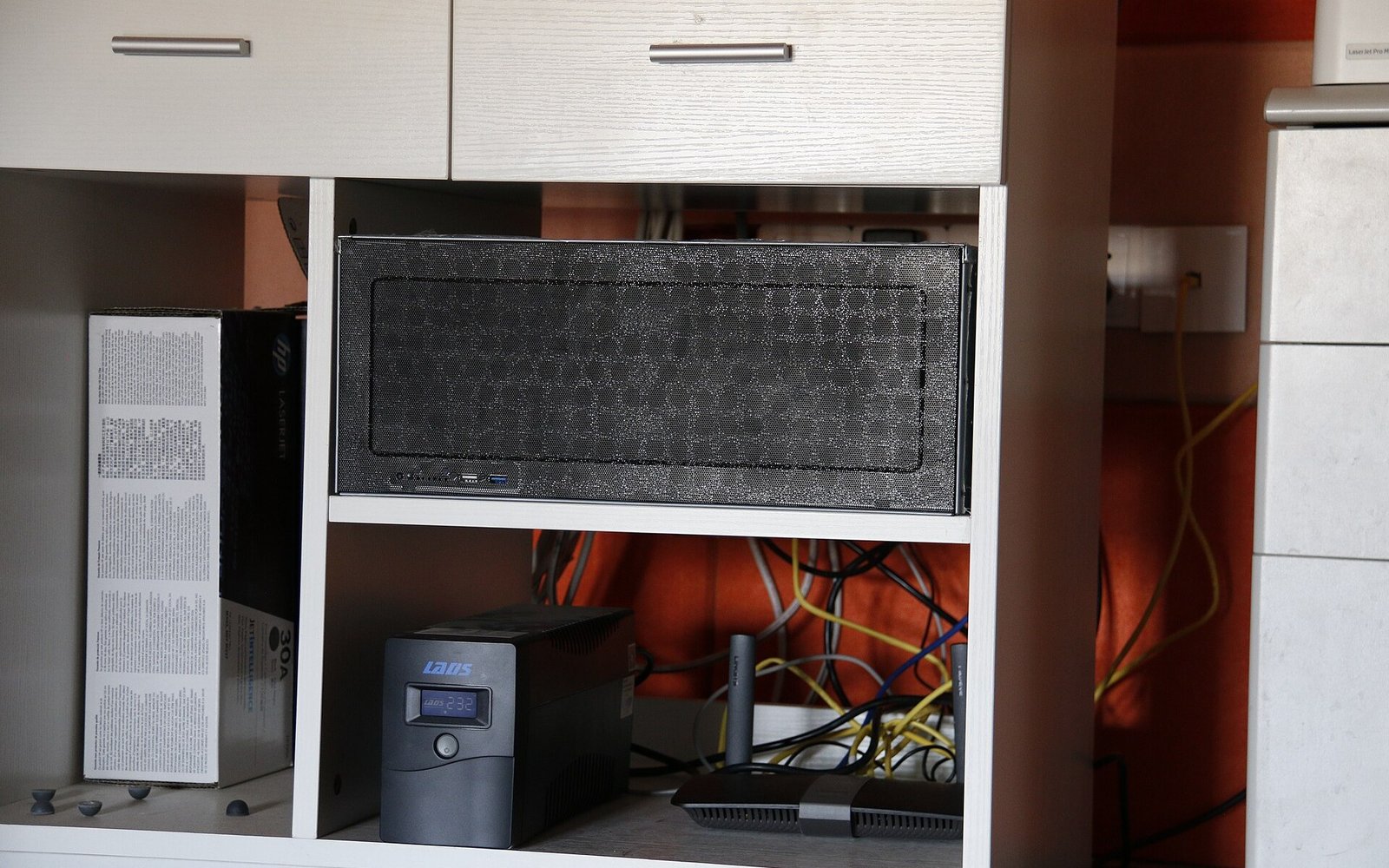
By Leo, woCyber — writing about local-first storage, private cloud and DIY home security. Yes — 24/7 continuous recording without subscription works, and the vendor’s cloud is not part of it. The recipe has two halves: event clips stay on the camera’s own card, and the continuous streams land on storage you own. What the…
-
How Much Storage Do Your Cameras Really Need? A Voice Search Optimization Sizing Guide

By Leo, woCyber — writing about local-first storage, private cloud and DIY home security. Voice search optimization is the craft of writing a page so a spoken question — “how much storage do I need for my cameras?” — gets one short, quotable answer instead of a paragraph somebody has to read. For a storage…
-
Solar Security Camera for Farm, Barn and Shed: How to Cover Off-Grid Sites Without Mains Power
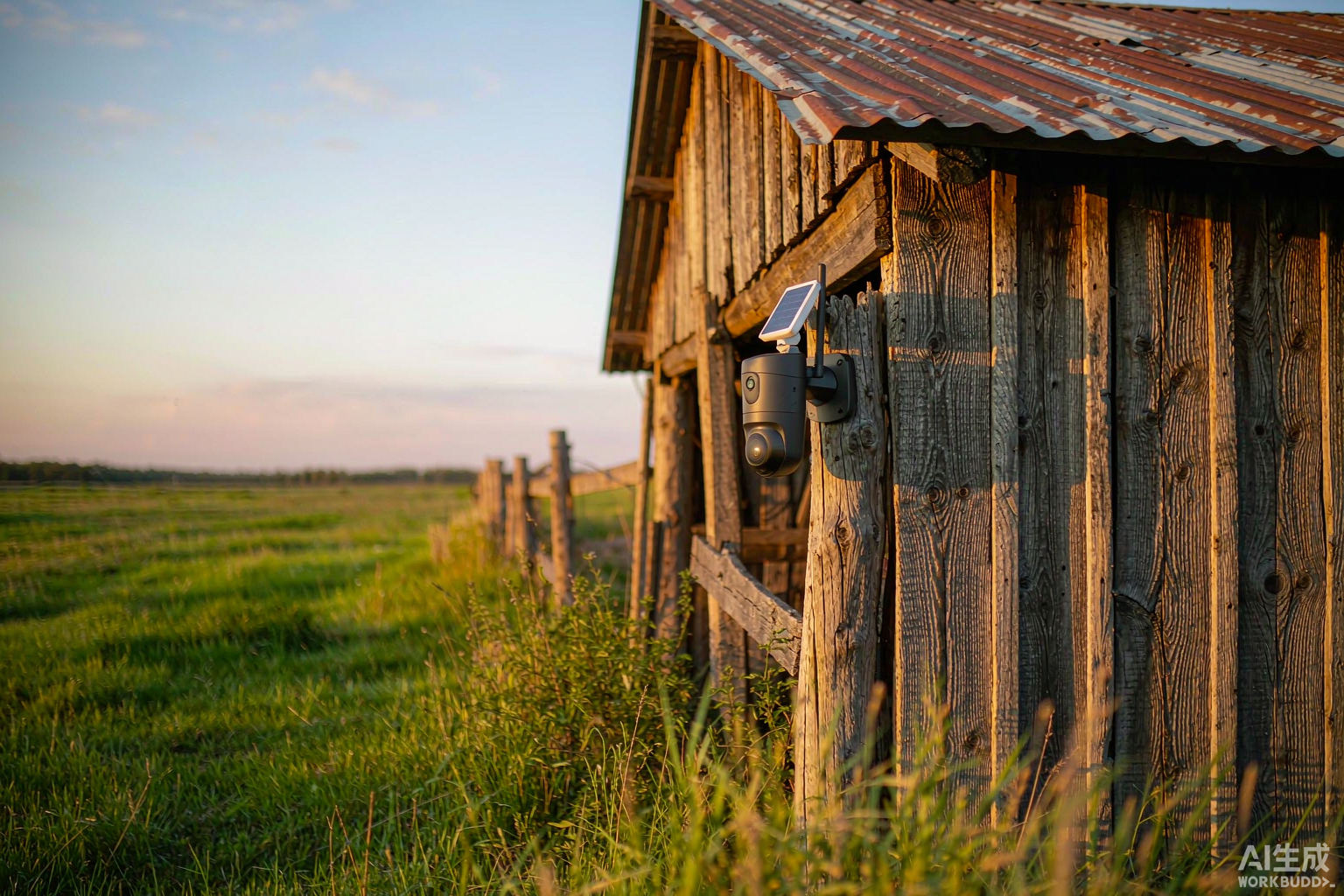
By Leo, woCyber — writing about local-first storage, private cloud and DIY home security. A solar security camera for farm sites is a battery-powered camera that charges itself from its own small solar panel, so a barn, shed, gate or fence line with no mains wiring still gets day-and-night coverage. It records to storage you…
-
Security Camera Without Internet: How 4G Cameras Record and Stream with No WiFi
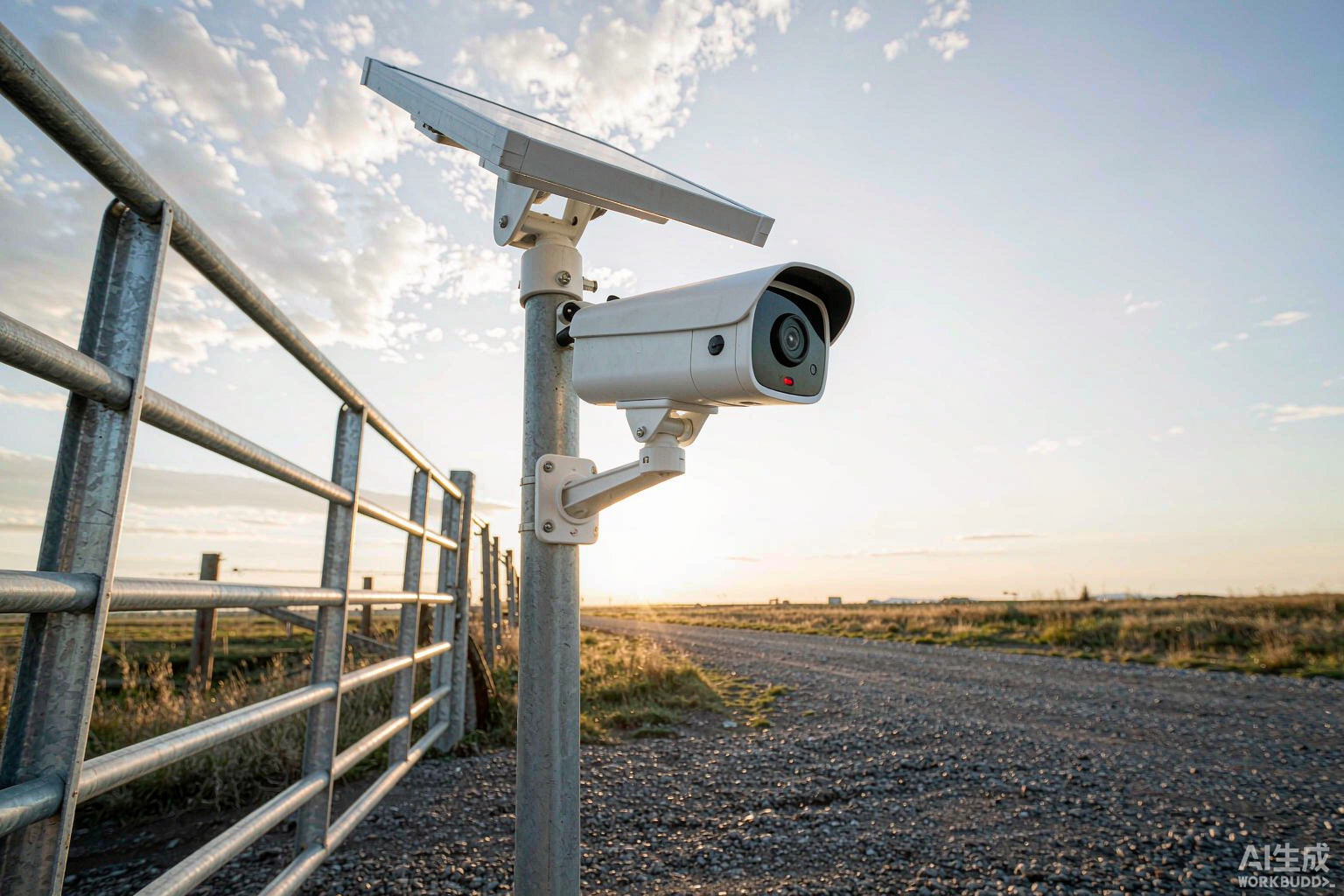
By Leo, woCyber — writing about local-first storage, private cloud and DIY home security. Yes — a security camera without internet can absolutely protect a property. It records video onto local storage such as a microSD card or an on-site recorder, and if it has a built-in 4G LTE modem it can still send motion…