
(OEM/ODM)
Hardcore quality, powerful configuration
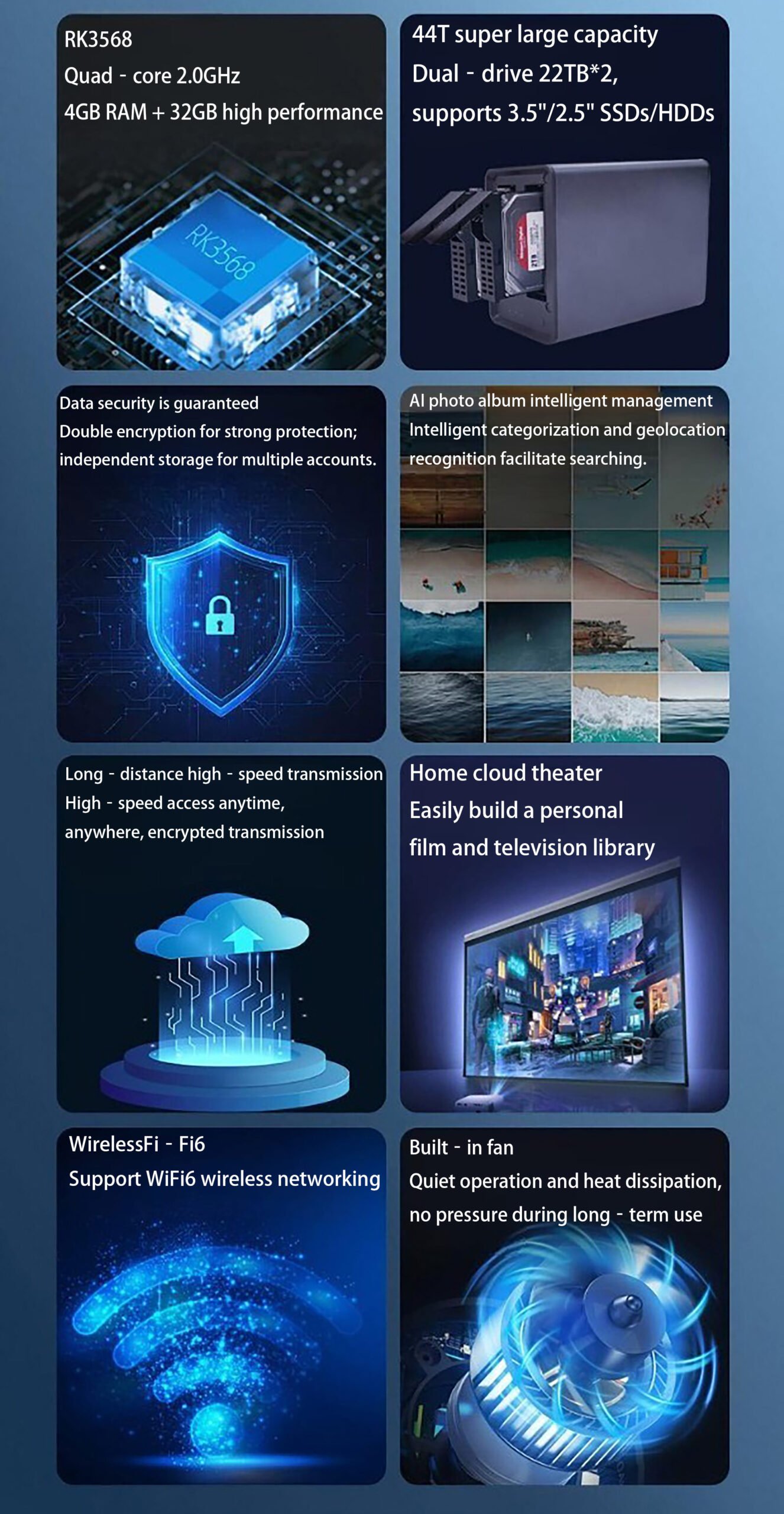
Powerful internal core for an exceptional experience CPU RK3568 Quad – core 2GHzEquipped with 4GB of low – power RAM and 32GB
SmartXiaoHui S2 (NAS Private Cloud)
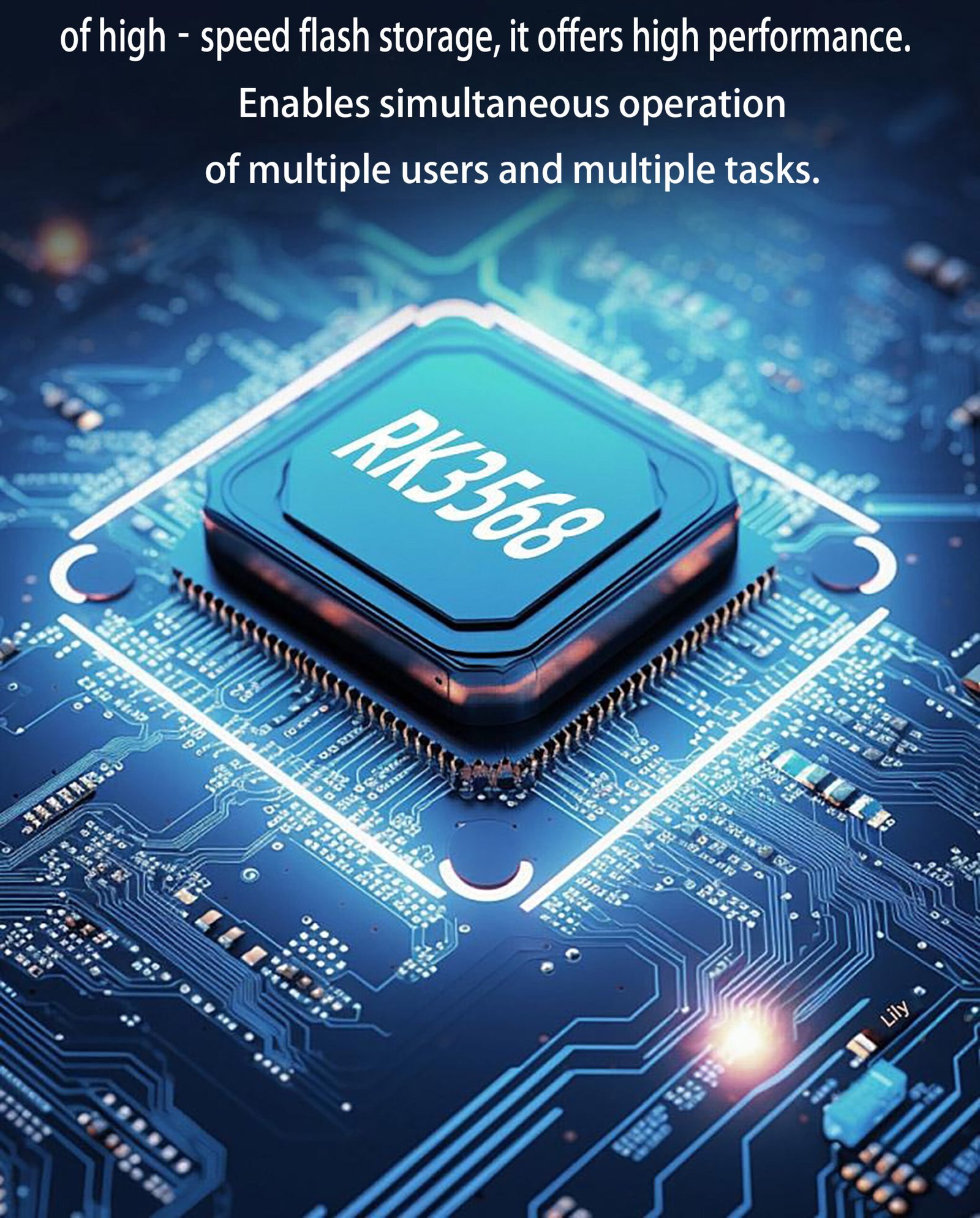
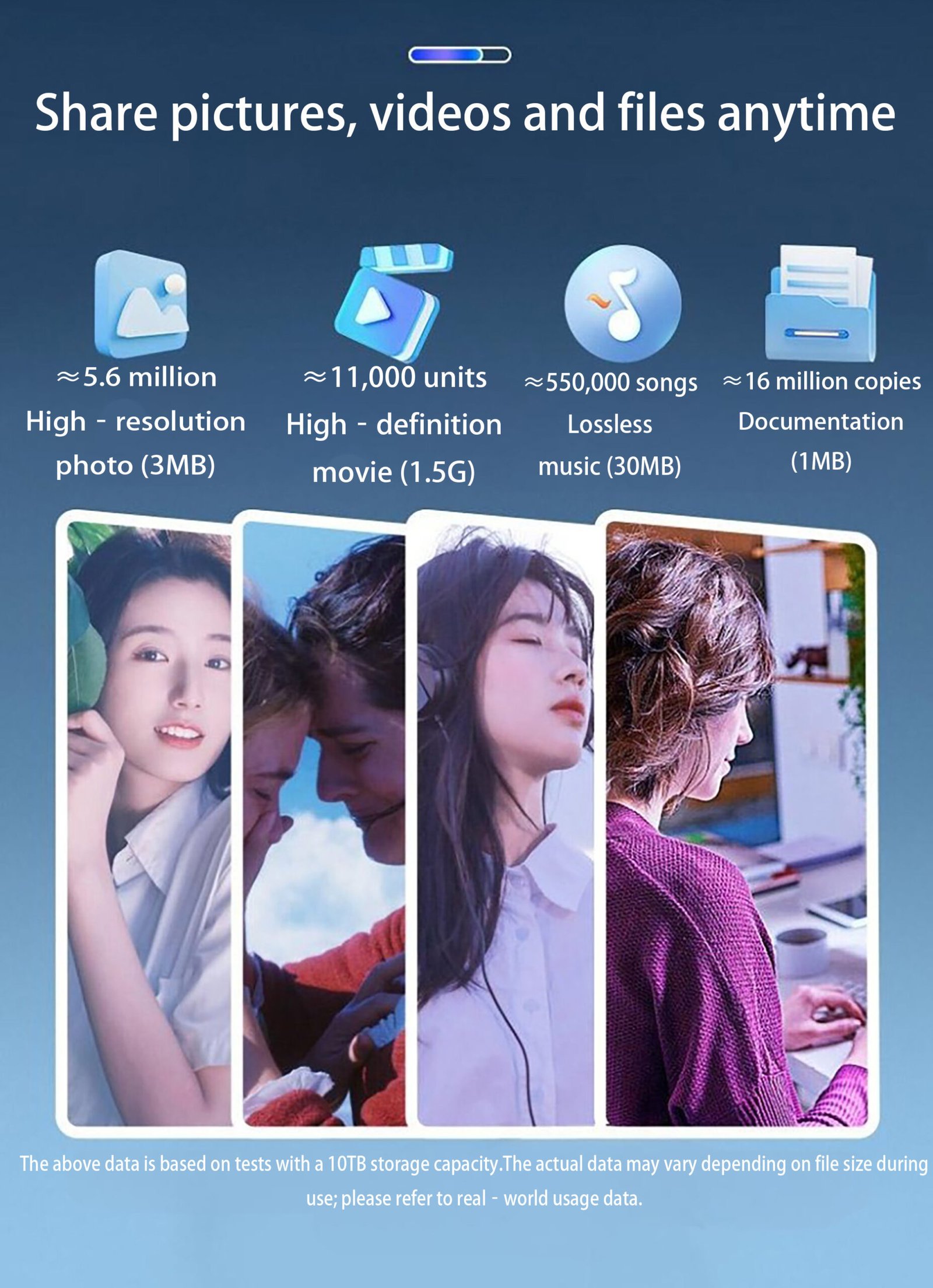
44TB super large storage space
SmartXiaoHui S2 (NAS Private Cloud)
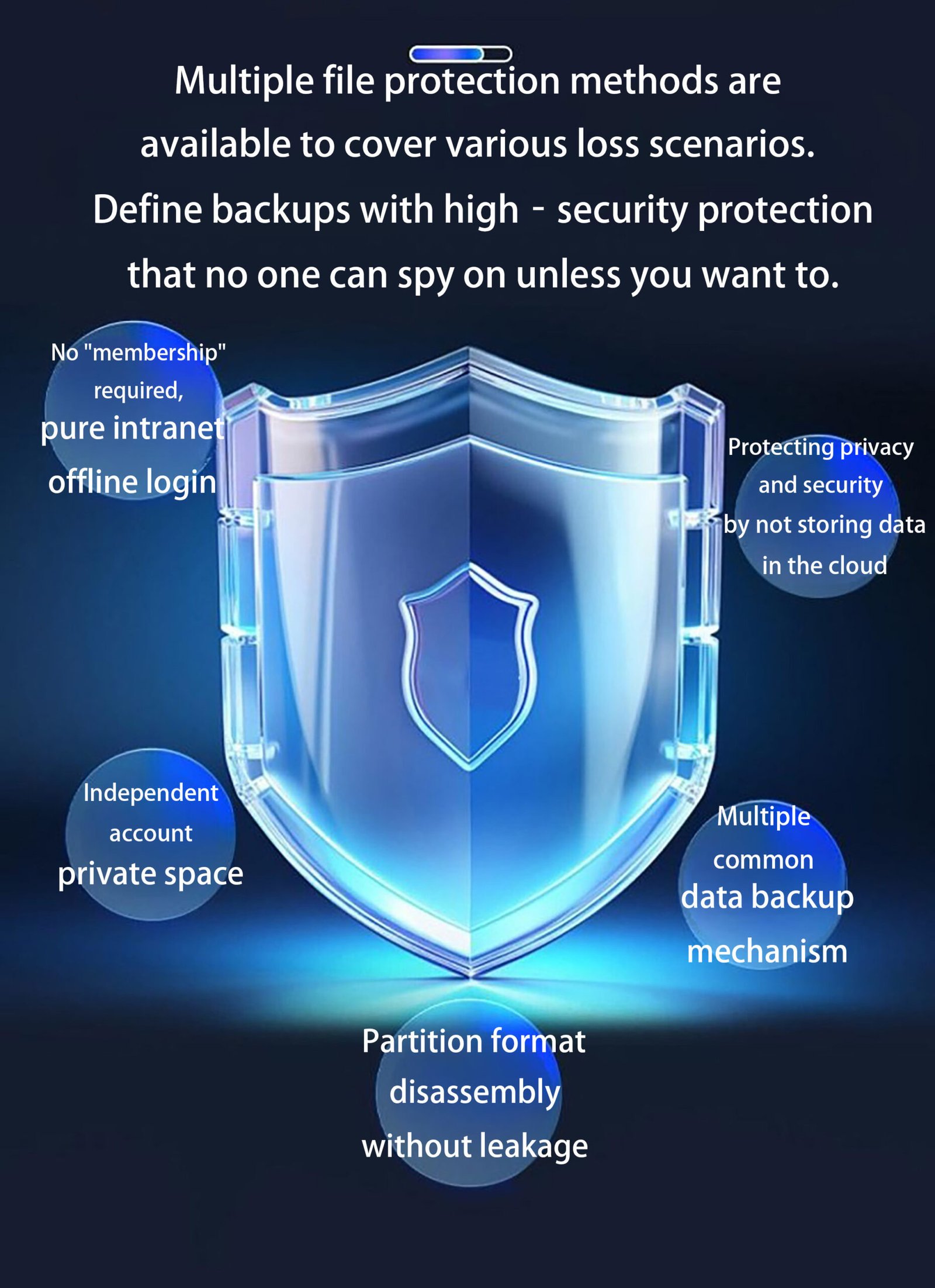
Private and secure personal cloud storage
SmartXiaoHui S2 (NAS Private Cloud) WeChat intelligent robot
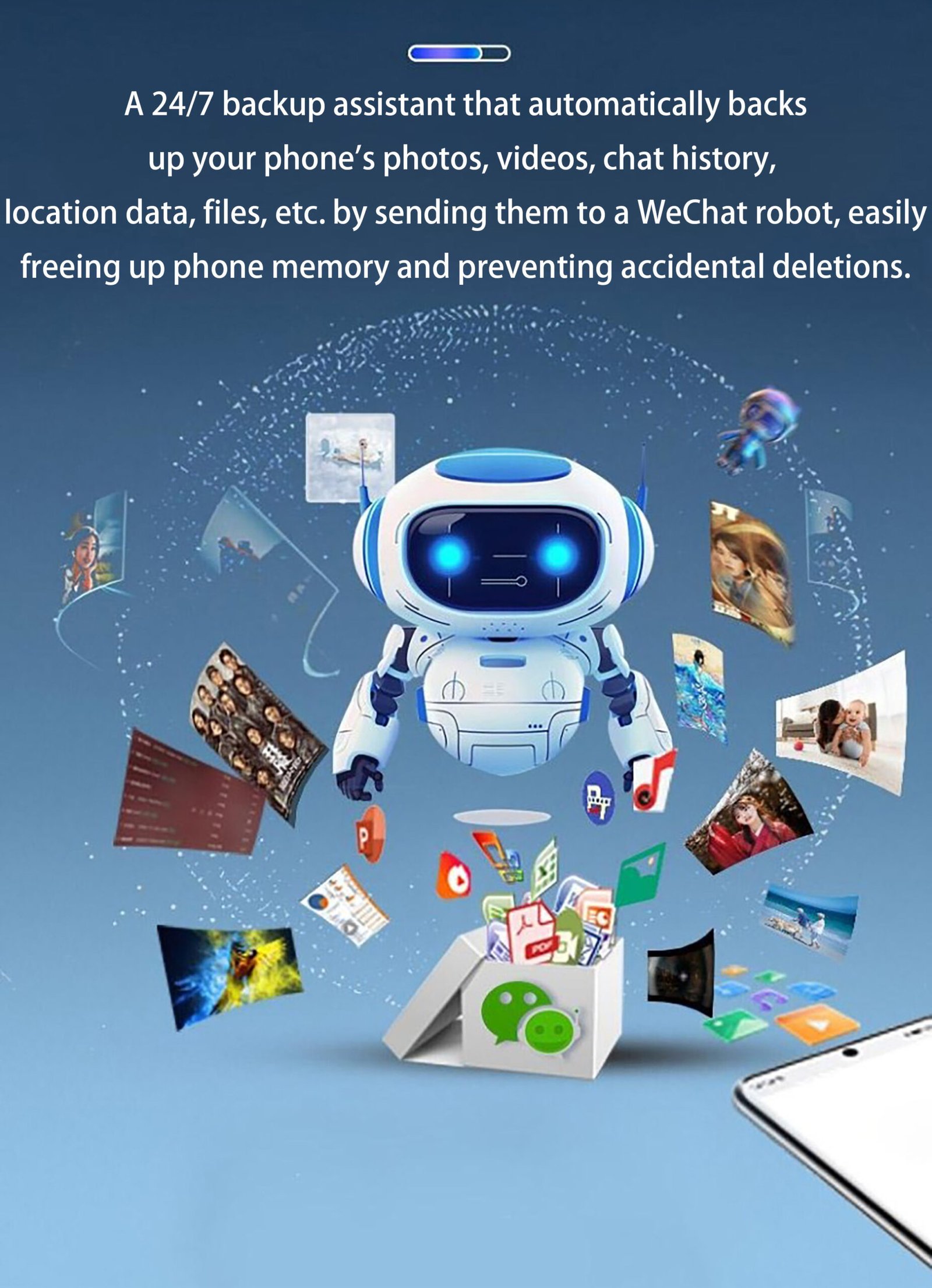
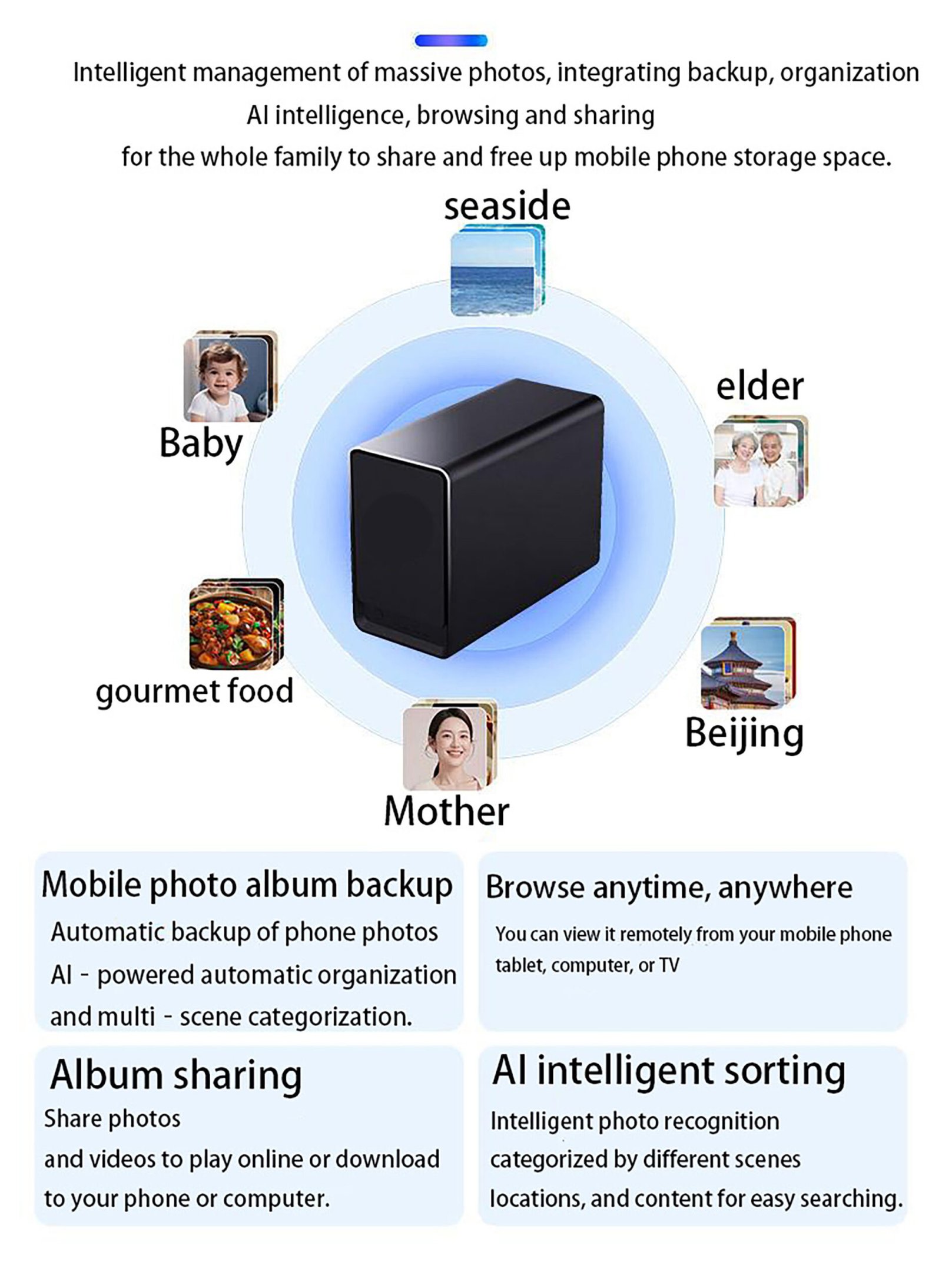
SmartXiaoHui S2 (NAS Private Cloud) AI photo album intelligent organization
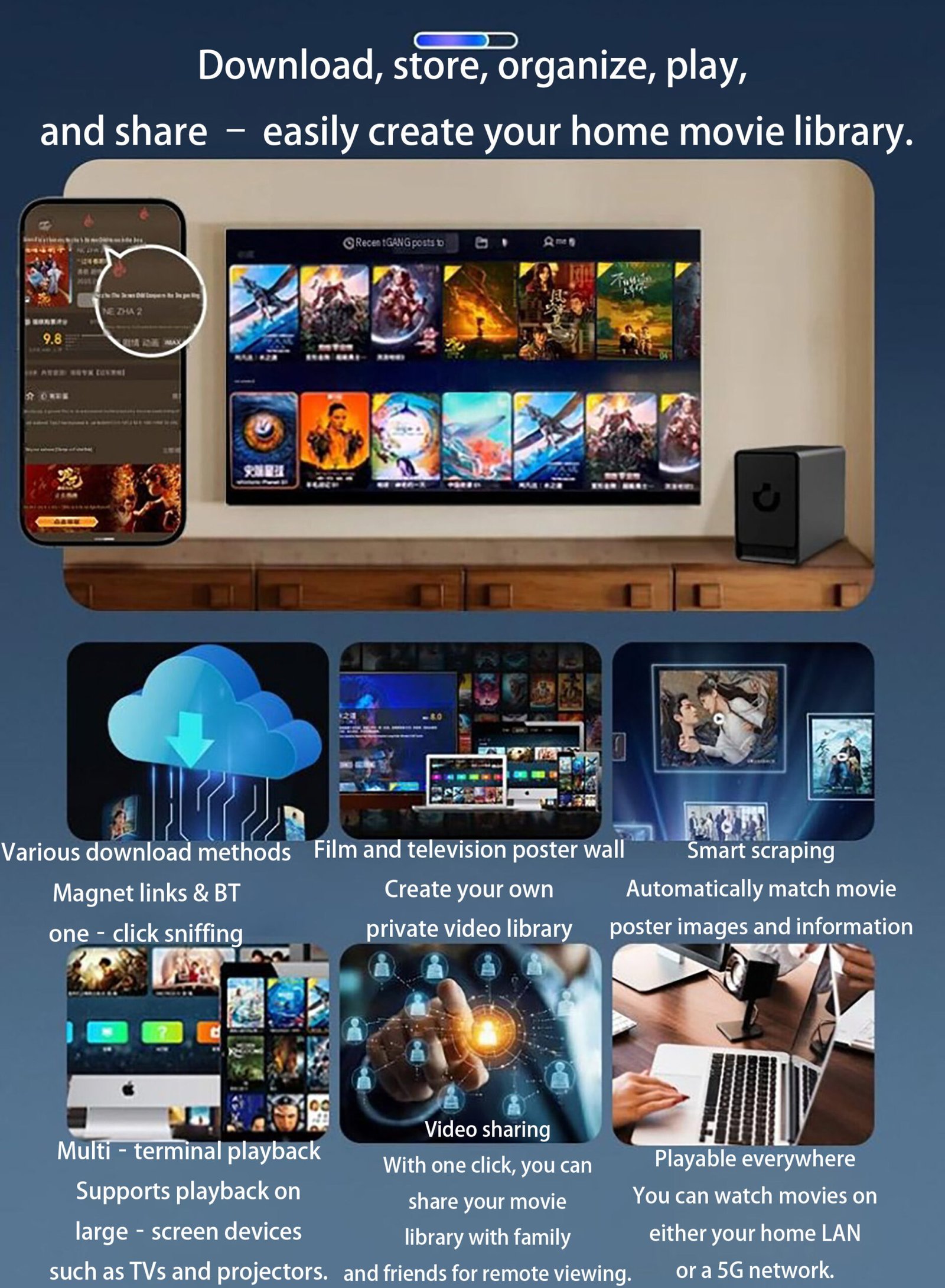
SmartXiaoHui S2 (NAS Private Cloud) Home Video Library
SmartXiaoHui S2 (NAS Private Cloud)
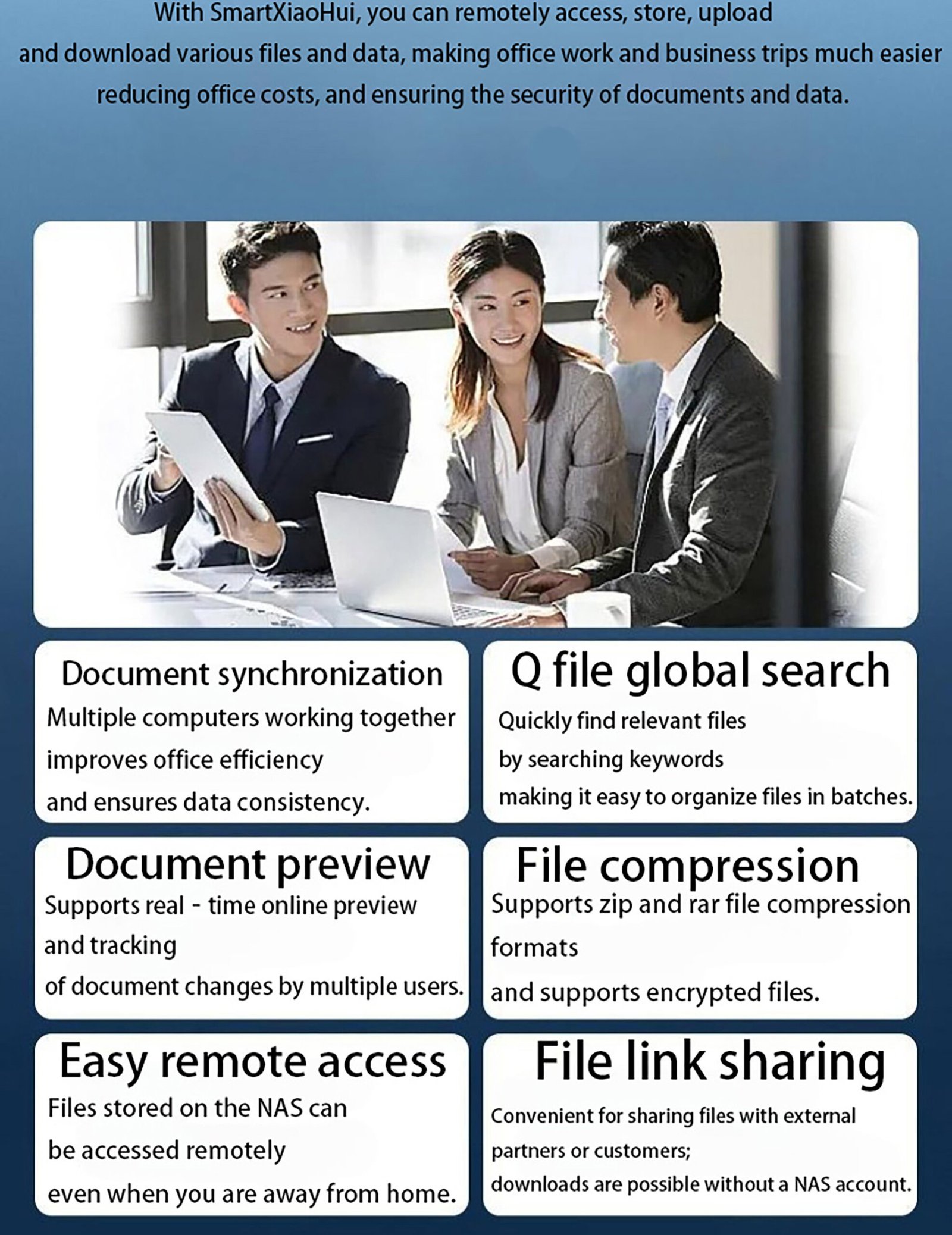
Remote work: A helpful assistant in the workplace
SmartXiaoHui S2 (NAS Private Cloud) Built – in fan more efficient
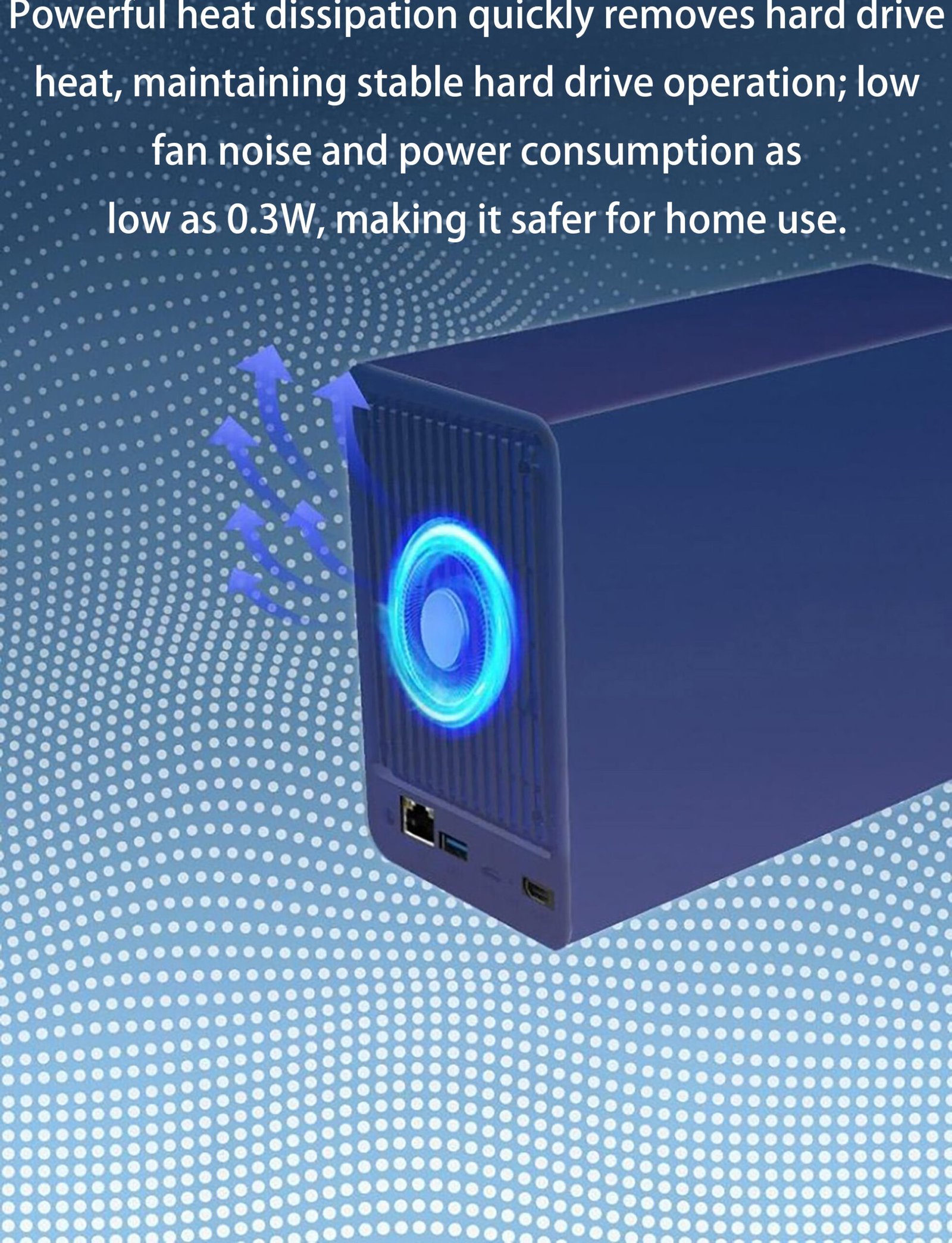
SmartXiaoHui S2 (NAS Private Cloud)
Explore more features
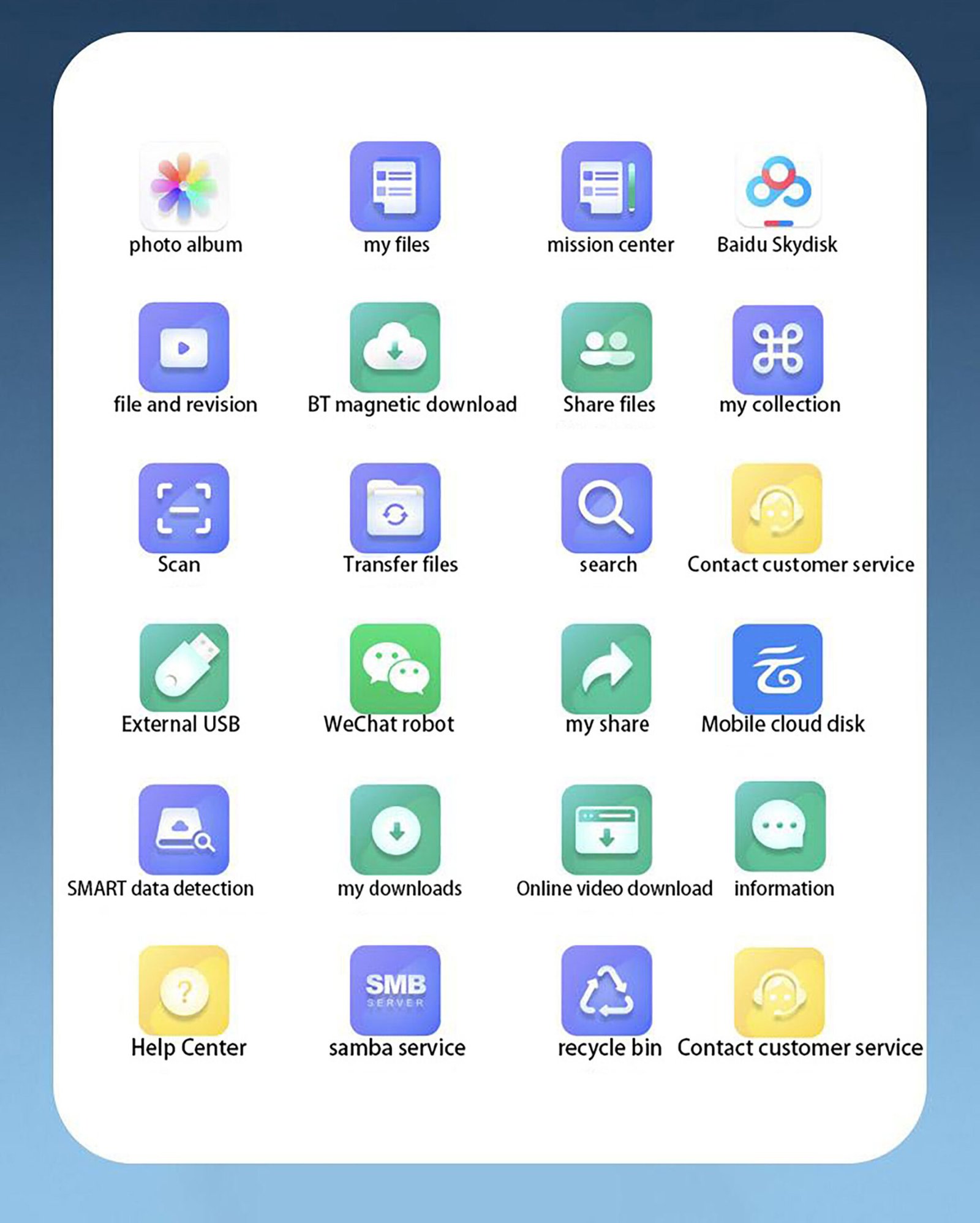
SmartXiaoHui S2 (NAS Private Cloud)
S2 product specifications
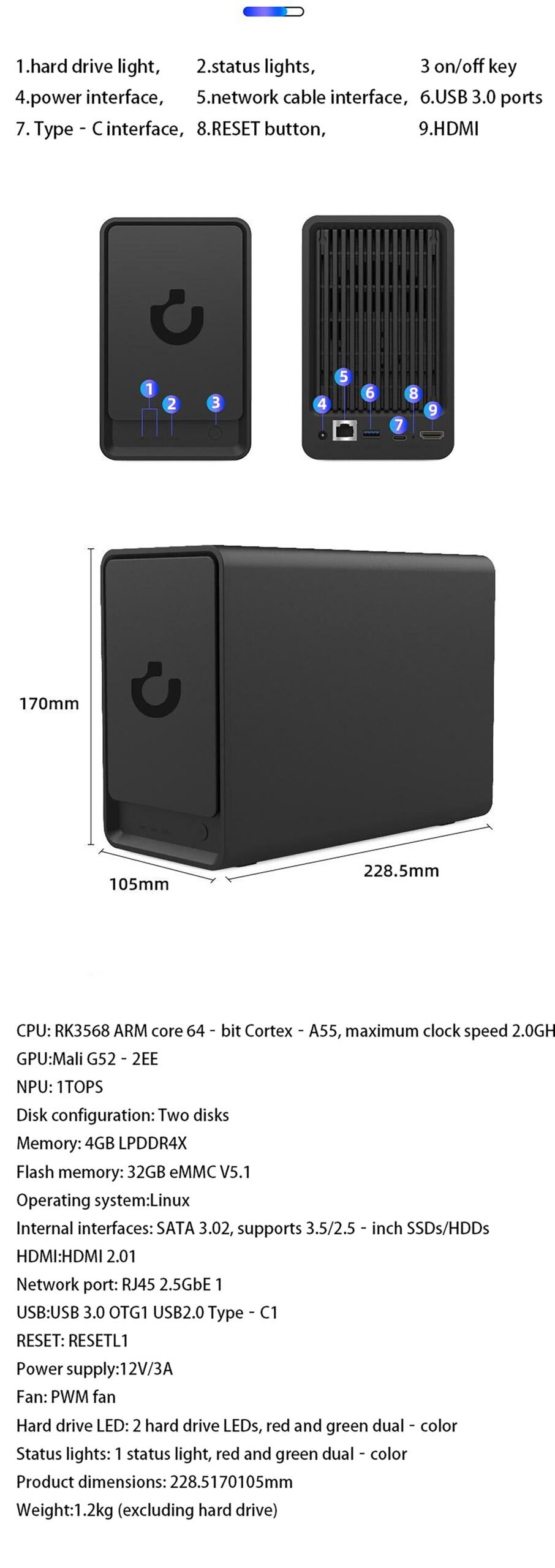
What the S2 configuration means day to day
The spec sheet reads: CPU RK3568 quad-core 2GHz, 4GB of low-power RAM, 32GB of internal storage, and two drive bays that push total capacity to 44TB of super-large storage space. Numbers only matter for what they let you do, so here is the practical translation.
Everyday speed without the noise
The quad-core CPU and 4GB of RAM cover the jobs a home NAS actually performs: indexing a growing photo library, serving files to several devices at once, and streaming a film to the living room while somebody else’s phone backs up downstairs. The built-in fan keeps the whole thing cool and quiet — which is what lets it run on a shelf instead of hidden away.
The features you will actually open
The AI photo album organizes years of camera rolls, so a photo from three summers ago takes seconds to find. The home video library keeps films and recordings playable on any screen in the house. Remote work tools make the S2 a helpful assistant in the workplace — the machine whose files are always there when you switch from the office laptop to the home one. A WeChat intelligent robot ties the storage into the chat app your family already uses.
Private and secure by default
This is private and secure personal cloud storage: the copies of your files live on drives installed in your own home, and reaching them from outside runs through your own devices rather than a rented server. There is no monthly plan attached to any of the features above — the hardware is the cost.
Who it suits
The S2 fits a household with more than one phone to back up, a growing video folder and no interest in per-month storage pricing. If you need more than two bays or up to 120TB of raw capacity, the enterprise-class 4-bay X4 is the next step up in the same family.
Where does the S2 Dual-Dish fit a working studio?
Two bays is a deliberate size, not a compromise. A photographer or small video team generates material in bursts. A shoot dumps forty gigabytes in an afternoon, then nothing for a week. The S2 absorbs that rhythm without a queue. The 44TB ceiling is reached by fitting both bays with large drives. Start with one and add the second when the first fills. That keeps the initial spend matched to the work you already have.
The daily flow looks the same for most of the creators who ask us about it. Cards come off the camera and go to the S2 over the local network, not onto a laptop that travels. The 32GB of internal storage holds the system and the index. Browsing a project folder stays responsive even when the drives are busy writing. Edits run off the NAS while the original stays untouched on the array. No second copy to reconcile. No “which version is final” conversation with a client.
This is where a two-bay layout earns its place over a single external drive. The second bay is the one that matters when a drive starts reporting errors: the array keeps serving while you replace it, and the project deadline does not move. For a solo editor the same argument applies with less drama attached — the archive is simply always on, reachable from the desk and from the laptop in another room.
S2 Dual-Dish compared with the rest of the woCyber NAS family
| Model | Drive bays | Registered capacity | Best fit |
|---|---|---|---|
| S2 Dual-Dish | dual-bay | up to 44TB | Creators and small studios centralising material, with room to grow one bay at a time |
| S2 Pro | dual-bay | — | Households whose priority is playing 4K media on the living-room screen |
| X4 | four-bay | up to 120TB | Teams that already know the archive will outgrow two bays, or need the write throughput of four drives |
The honest split is simple. Choose the S2 Dual-Dish when the material is yours to organise and two bays cover the next few years. Step up to the X4 only when you can already point to the project volume that will not fit — buying four bays because they look more serious in a rack is how a storage plan turns into a hardware collection. My rule of thumb: if you cannot name the project that fills the third bay, you do not need it yet.
The S2 Pro shares the dual-bay shape but is tuned for playback rather than for loading and editing. A creator who also wants a media room is usually better served by the S2 Dual-Dish plus a player than by pushing the Pro into an editing role, and I would push back on anyone buying the Pro for a cutting desk.
Questions buyers ask before choosing the S2 Dual-Dish
Do I have to fill both bays on day one?
No. The S2 Dual-Dish runs with a single drive installed, and the second bay stays available until the first one fills. Starting with one large drive and adding the second later spreads the cost across the point at which you actually need the space.
Is 44TB more than a small studio will ever use?
For photographs and finished video, often yes — which is the point. The 44TB figure is the ceiling you reach with both bays filled with large drives, not the baseline. Sizing to your real project volume and leaving the second bay empty is a legitimate way to buy the enclosure, and it keeps the upgrade path open.
Can the S2 Dual-Dish hold camera footage as well as project files?
It can, and for a small site it is a sensible place to put it. A camera writing to the S2 keeps its recordings on hardware inside the building, alongside the project archive, rather than on a vendor’s server. Where the camera count climbs, plan the retention window before the drives — the arithmetic for footage retention applies here exactly as it does anywhere else.
What happens to the archive if one drive fails?
The second bay is what you rebuild from. With both bays populated you choose the configuration at setup; the enclosure keeps serving through a single drive failure so the archive stays reachable while you source a replacement. This is the practical reason a two-bay unit beats a lone external drive for anything you would be upset to lose.
OEM/ODM — NAS units are built to order. MOQ and lead time on request.
Trade only — we supply distributors, integrators and OEM partners.
Reply within 24 hours on business days · No account needed · Orders confirmed by email or WhatsApp